A few experts, everyone else guessing
Two or three people get real results. The rest ask a question, get a generic answer and decide AI is overrated.
Most teams already pay for AI tools, but only a few people really know how to use them. Everyone else is guessing, sometimes with company data, and the tools end up doing a fraction of what they could. The AI Knowledge Base gives your whole team a shared way to learn AI and put it to work, with the same path, the same playbooks and the same safety rules, all kept up to date as the tools change.
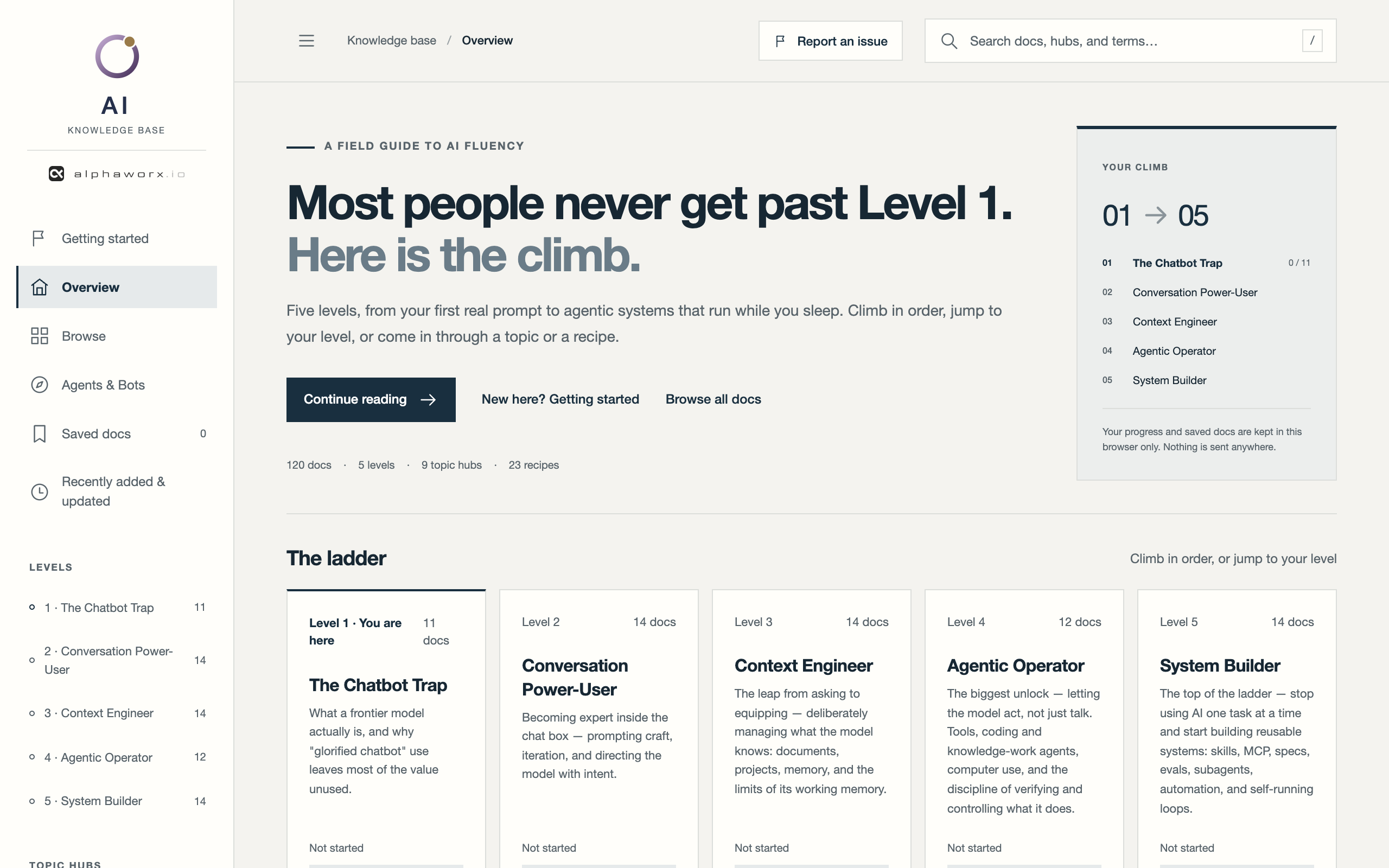
More than 100 guides5 levelsPlaybooks for everyday workUpdated every week
Buying the tools was the easy part. What's usually missing is a shared way of working, so results depend on who happens to be good at it.
Two or three people get real results. The rest ask a question, get a generic answer and decide AI is overrated.
Contracts, client details and financials get pasted into whatever chat is open, with no shared rule on what's allowed.
You pay for AI subscriptions, but most people use a small part of what those tools can do for their work.
A one-off session or a shared doc of prompts goes stale within months, because the tools change every few weeks.
The AI Knowledge Base becomes the reference everyone learns from and comes back to, so good habits spread instead of staying with one or two people.
The learning path has five levels, each ending with a short self-check, supported by playbooks, tool guides and references. Your team gets a common language: "Most of us are at Level 2. Let's get to Level 3 this quarter."
What these models really are, and why using them like a chatbot leaves most of the value unused.
Everyone, in week oneSpecific, reliable results: giving context, iterating and directing the model with intent.
EveryoneSetting AI up with your documents, projects and memory so it knows your work.
Most knowledge workersHanding whole tasks to AI agents, and checking and controlling what they do.
Power users, analysts, operationsBuilding reusable skills, automations and tests the whole team shares.
Your AI championsFive quick questions find each person's first real gap, so beginners start with the basics and experienced people skip straight to agents and automation. Nobody sits through what they already know.
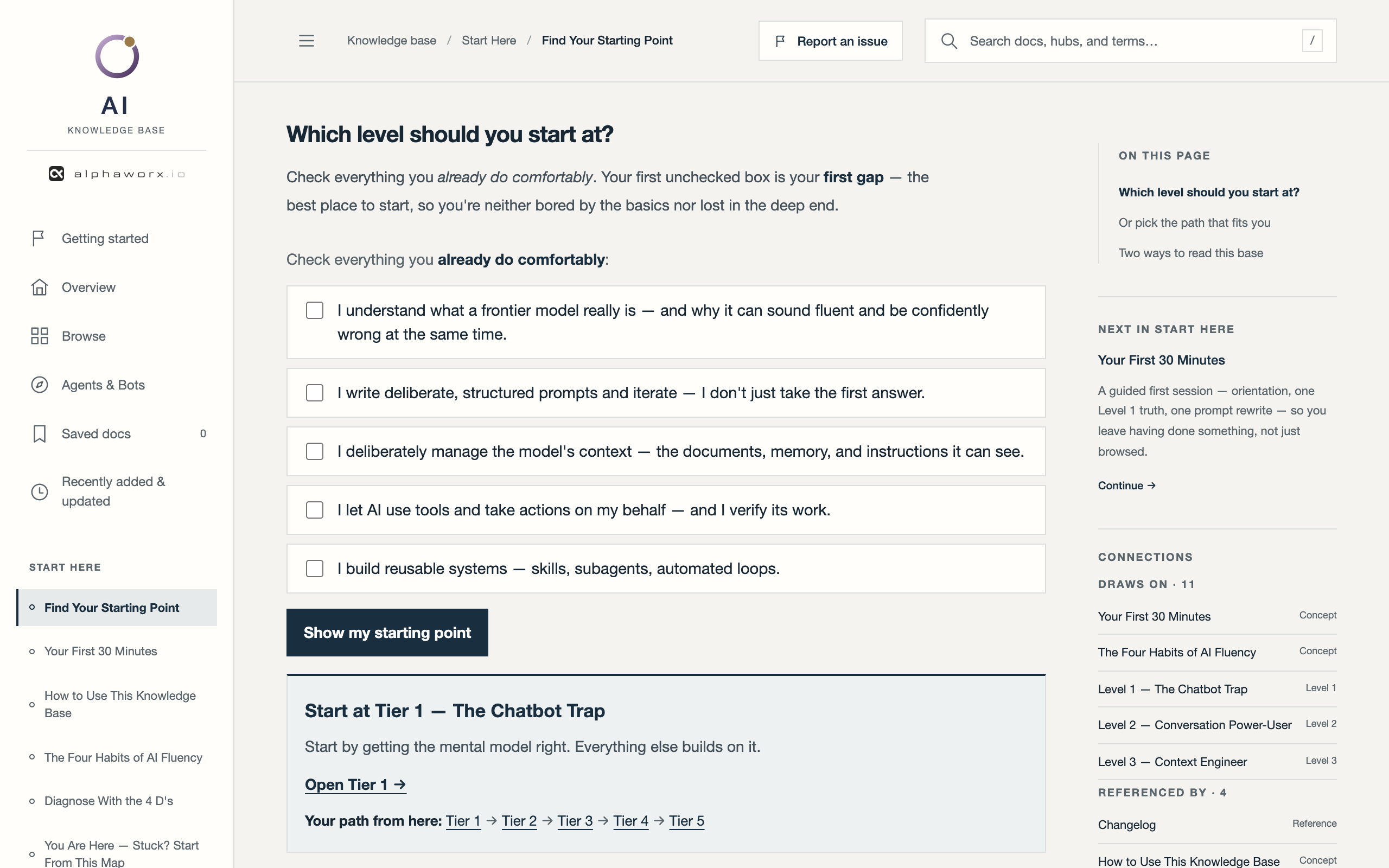
Most guides take 5 to 10 minutes to read and can be used the same day. It's a reference, not a course people have to finish.
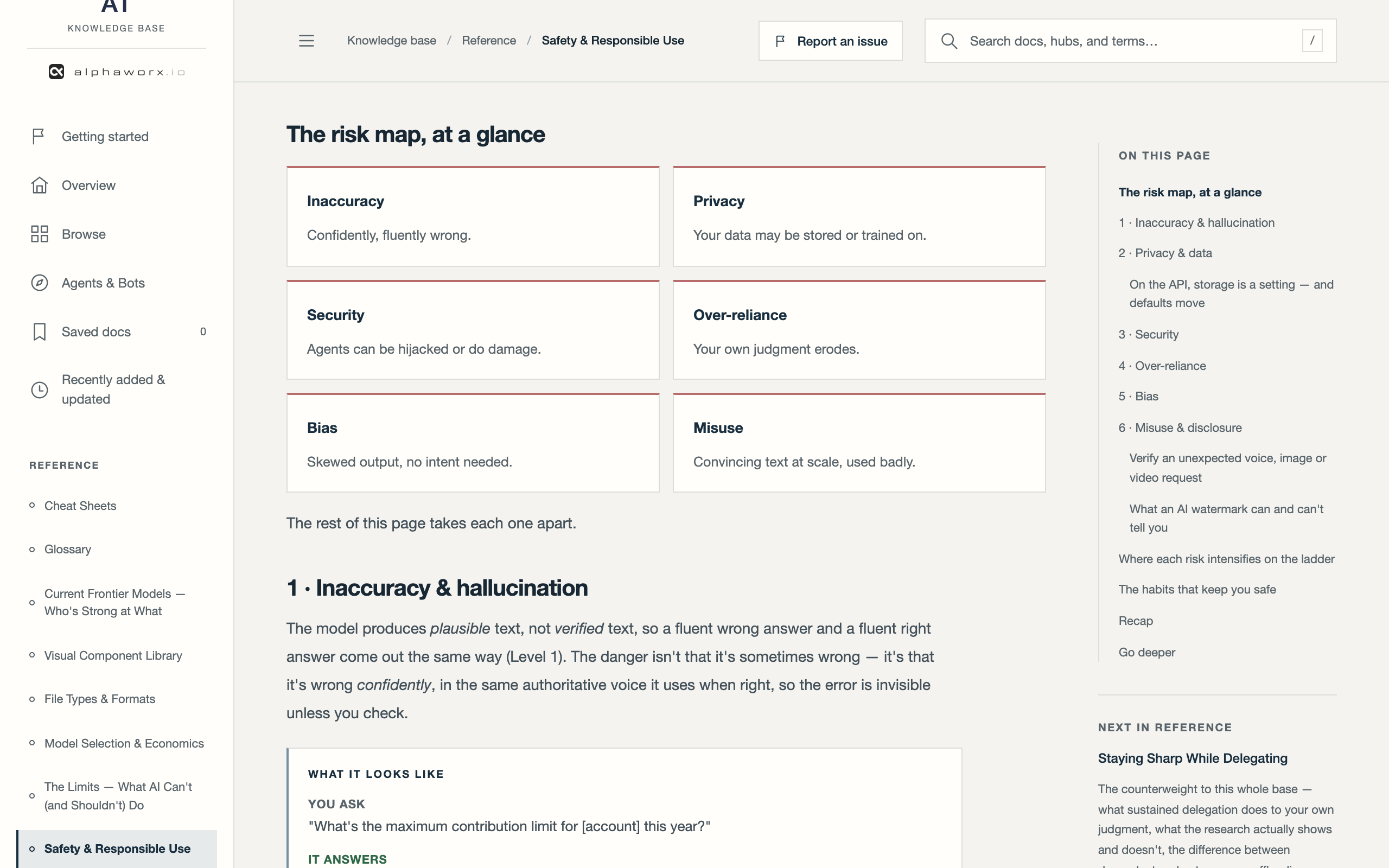
Every team has chores that eat hours each week. The Automate a Recurring Task playbook walks through one real example, the Friday status report built from your task tracker, and turns it from a manual job into one that runs on its own. It does it safely, in stages: do it by hand until the results are predictable, let it run on a schedule as drafts you check, add automatic checks for the mistakes you kept fixing, and only then let it handle the routine part on its own. Other playbooks cover jobs like meeting prep, a stack of documents, analyzing numbers and inbox triage.
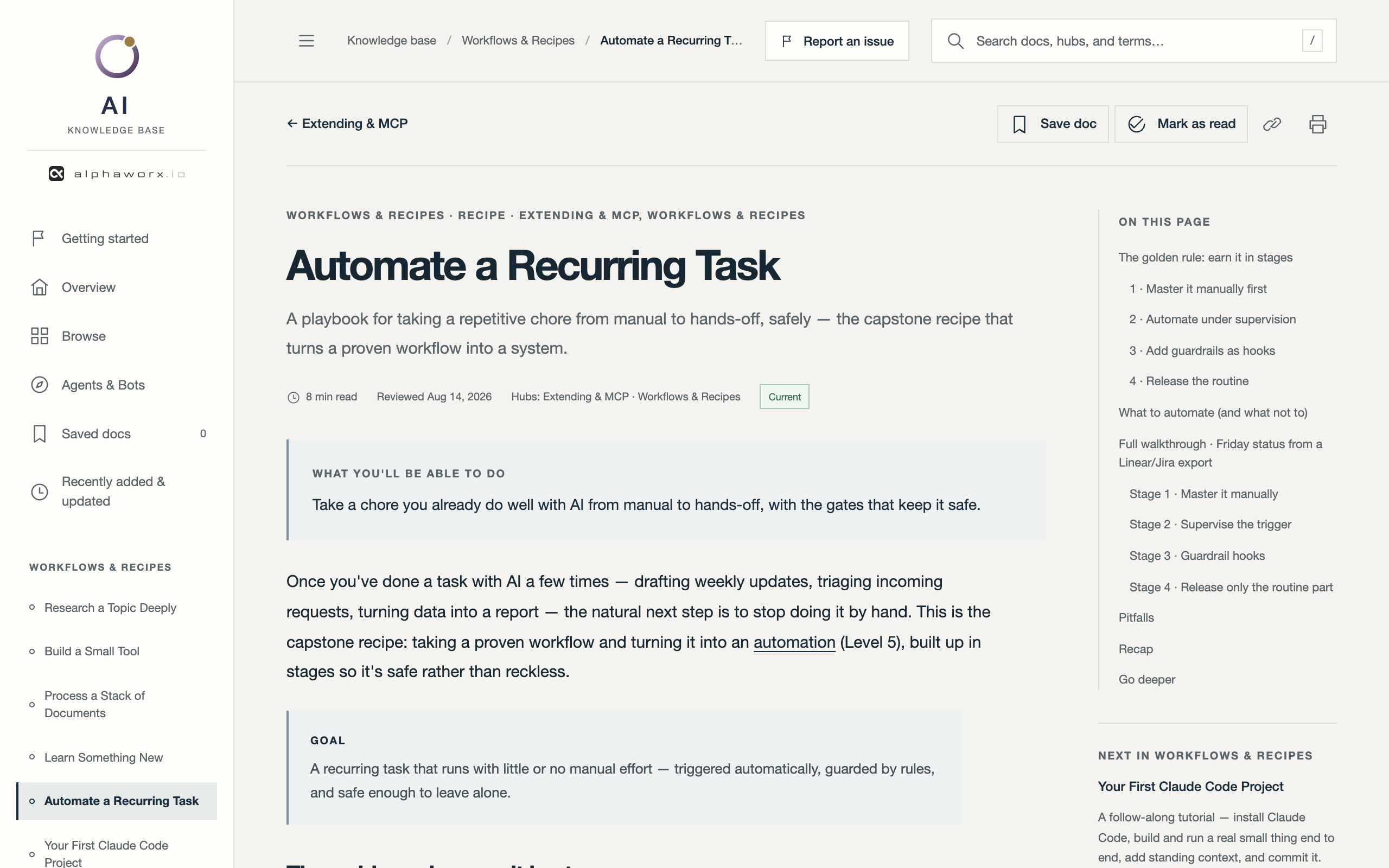
The six risks every team faces, from made-up answers and data privacy to security, over-reliance, bias and misuse. Each comes with real examples and the habits that prevent it, so your safety rules are something people have read, not a policy they've skimmed.
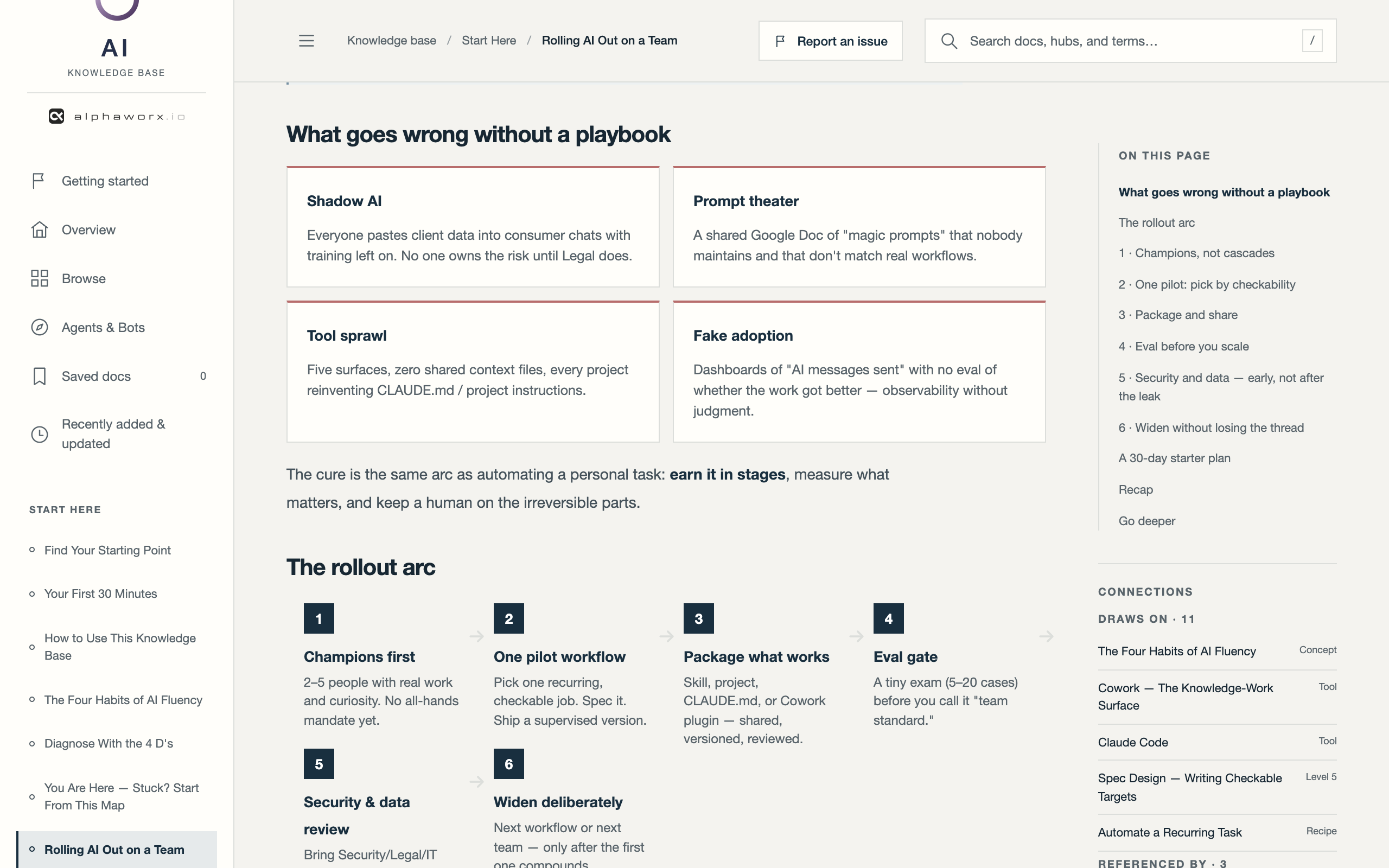
A guide for the person running it: what goes wrong without a plan, naming champions, picking a first pilot, sharing what works, testing before you scale and bringing security in early.
ChatGPT, Claude and Gemini, plus agent tools like Cowork, Claude Code, Codex and Cursor, compared in plain terms.
Starter prompts for the tasks that come up every week, ready to adapt to your team's work.
New guides, revisions and corrections as the tools change, each marked so people can see what's new.
The AI Knowledge Base is your team's AI training program and your rollout guide in one, with no course to design and no sessions to schedule. Everyone learns at their own level while a few champions turn one real task into a shared way of working, and the rollout guide inside walks them through each step, including testing it before the whole team adopts it.
Pick as many seats as your team needs and pay once for everyone. One bill, renewed yearly.
From your Team page, add each person and send them their link by email or chat. They set a password and start. Nothing to install.
See who has joined, remove people who leave, hand their seat to someone new and add seats as the team grows.
No. It's a reference people use while they work, with a path to follow. Most guides take 5 to 10 minutes, and each one ends with something they can use that day.
Yes, that's what the levels are for. A one-minute check places each person, so beginners start at the basics and experienced users skip ahead to agents and automation.
ChatGPT, Claude and Gemini, plus the newer agent tools. The core methods work in any of them, and guides that cover one tool's features say so. Your team uses its own AI accounts, free or paid.
No. It runs in any browser, on a computer, phone or iPad. You send each person an invite link from your Team page, and there's nothing to install.
No. Your team uses its own AI accounts, and we never see what anyone types into them. We keep each person's name, email and reading progress so their place follows them across devices. The privacy policy has the full list.
Remove them from your Team page and give the seat to someone else.
Yes. Buy more seats from your Team page at any time; they're charged for the rest of your year. If you need fewer seats, the change starts at your renewal.
We set up larger organizations directly, and our support team handles seat changes for you. Talk to us.
One subscription gives everyone a training program, playbooks for everyday work and clear safety rules, kept current as the tools change. Set up your team in minutes and start your first month this week.